Published: 2026-05-08
10 Common Password Mistakes Even Experts Make
Even seasoned devs slip up. Here are 10 password mistakes that erode security — with entropy math, GPU benchmarks, and fixes you can apply today.
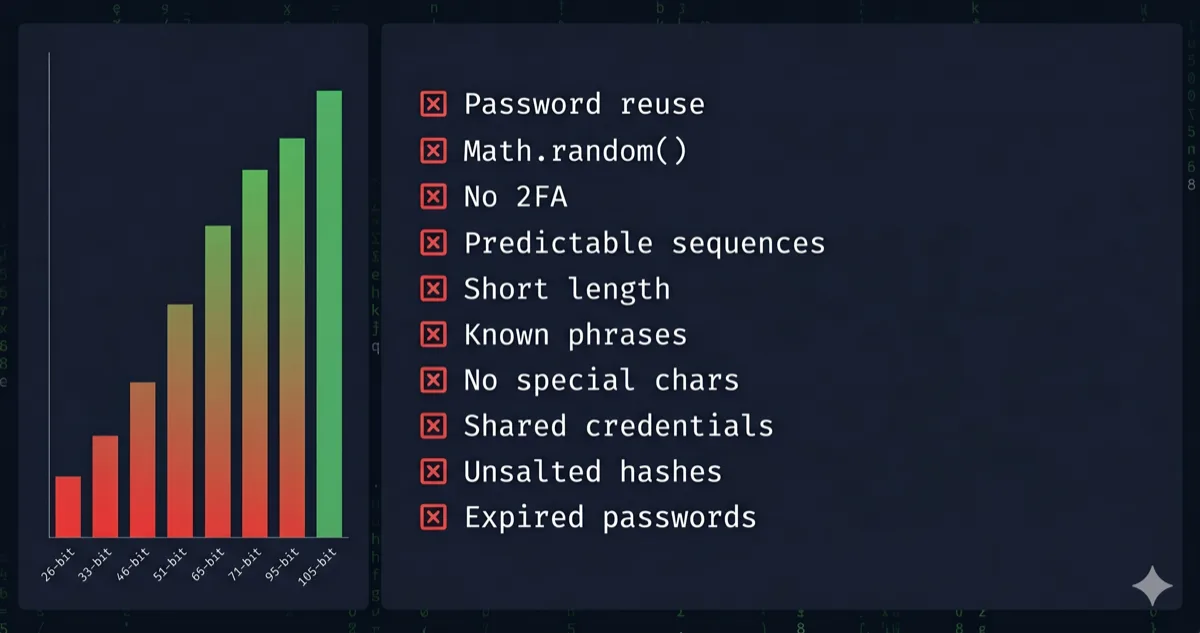
Most password advice is written for people who use 123456. This isn't that. These are the mistakes that catch developers, sysadmins, and security-aware users — people who know better but still slip up under pressure, habit, or misplaced trust.
Let's tear through all ten with the math to back it up.
1. Trusting Length Alone Without Checking Charset
Length matters. But length × charset matters more. The entropy formula is:
H = L × log₂(R)
H = entropy in bits · L = password length · R = character pool size (charset)
A 20-character lowercase-only password: H = 20 × log₂(26) = 20 × 4.7 = 94 bits.
A 16-character full-ASCII password (95 printable chars): H = 16 × log₂(95) = 16 × 6.57 = 105 bits.
The shorter password wins. Knowing this prevents the mistake of thinking "long enough" equals "secure enough."
Entropy in bits by charset and length:
| Charset | Pool (R) | 8 chars | 12 chars | 16 chars | 20 chars |
|---|---|---|---|---|---|
| Digits only | 10 | 27 bits | 40 bits | 53 bits | 66 bits |
| Lowercase letters | 26 | 38 bits | 56 bits | 75 bits | 94 bits |
| Mixed case | 52 | 46 bits | 68 bits | 91 bits | 114 bits |
| Alphanumeric | 62 | 48 bits | 71 bits | 95 bits | 119 bits |
| Full printable ASCII | 95 | 53 bits | 79 bits | 105 bits | 131 bits |
The bold cell — 16 chars, full ASCII — is the 2026 recommended floor for sensitive accounts. Below 60 bits is crackable in hours offline against MD5.
Use our Password Generator — Zero-Knowledge, it runs 100% in your browser's volatile memory, nothing is ever transmitted to a server — to generate passwords that hit full-ASCII entropy by default.
2. Using Math.random() in Your Own Scripts
This one is specifically for developers. If you've ever written a quick password generator script and reached for Math.random(), you introduced a cryptographic vulnerability. Math.random() is a deterministic PRNG — seed it and you can reproduce its entire output sequence.
The fix is one line: use crypto.getRandomValues() from the Web Crypto API instead. Same browser, same JS, cryptographically secure. Our Password Generator is built on this exact API — same entropy source your OS uses.
3. Incremental Password Updates (Password1 → Password2)
NIST SP 800-63B removed mandatory periodic rotation in 2017. The reason: humans rotate predictably. Summer2024! becomes Autumn2024!. Attackers know this and build pattern-aware rule sets directly into Hashcat.
Don't rotate on a schedule. Rotate when a breach is confirmed or suspected, and replace with a fully randomized credential — not a mutation of the old one.
4. Reusing Passwords Across Accounts
The classic. You already know it's wrong, but let's quantify why you should care more than you do.
Have I Been Pwned (HIBP) as of 2026 contains over 12 billion compromised credentials. Credential stuffing tools like OpenBullet test breached username/password combos against live services at thousands of requests per second. If your "throwaway" password matches your banking password, the attack is trivially automated.
One breach exposure propagates everywhere you reused it. Full stop.
5. Treating Complexity Requirements as the Security Target
"Must contain 1 uppercase, 1 number, 1 symbol" — you've seen it everywhere. The minimum becomes the maximum for most users. Welcome1! technically passes. It has ~25 bits of entropy against a dictionary + rule attack. An RTX 4090 cracks MD5-hashed Welcome1! in under a second.
Complexity requirements are a compliance floor, not a security ceiling. Entropy is the actual metric. Check yours with the Password Strength Checker — it shows exact bits and offline crack-time estimates.
6. Using Personal Information as Entropy
Birthdays, pet names, hometowns — humans are terrible CSPRNGs. The reason isn't that attackers know you specifically. It's that dictionary attacks include curated wordlists built from social media scrapes, LinkedIn profiles, and data broker exports. Your dog's name is probably already in a rule set.
Real entropy requires a source with no pattern. If you can remember the password without a manager, it almost certainly isn't random enough.
7. Assuming a Password Manager Is a Silver Bullet
Password managers solve reuse. They don't solve everything. The real attack vectors on a password manager setup are:
- Master password compromise — if it's weak, everything leaks at once
- Phishing — you autofill a convincing clone of your bank's login page
- Device compromise — a keylogger or memory scraper runs before the manager encrypts
Your master password should be a 6-word passphrase generated from a true wordlist. Using the EFF large wordlist (7,776 words):
H = W × log₂(7776) ≈ W × 12.9
W = number of words · EFF large wordlist = 7,776 entries
Six words: H ≈ 6 × 12.9 = 77.4 bits. That's enough for offline resistance without memorability trade-offs.
A real example of what this looks like (generated from the EFF list):
correct-horse-battery-staple-radar-clump
Six random words, a separator, nothing personal. You can type it, say it, and remember it after a few repetitions — but an attacker can't guess it without running through 7,776⁶ ≈ 2.2 × 10²³ combinations. Our Password Generator has a passphrase mode that produces exactly this format.
8. Ignoring the Difference Between Online and Offline Attack Surfaces
This one catches people when they're evaluating password strength. An "online" attack is throttled by the service — usually 3–10 attempts before lockout. An "offline" attack happens after a database breach when the attacker has your hash and can throw GPU cycles at it locally.
| Attack Type | Speed (RTX 4090) | Practical Implication |
|---|---|---|
| Online (throttled) | ~10–100 req/sec | Even a 6-char password survives |
| Offline MD5 | ~164 billion/sec | 8-char passwords fall in minutes |
| Offline bcrypt (cost 10) | ~184,000/sec | 12-char passwords survive for decades |
| Offline Argon2id | ~15,000/sec | Even weaker passwords get real protection |
The implication: the hash algorithm used by the service determines your real attack surface, not just your password strength. For accounts on services that store MD5 (many still do), 16+ chars with full ASCII is not optional.
Want to see what your password looks like after SHA-256 or Argon2id hashing? Try the Hash Generator — Zero-Knowledge, runs entirely in your browser — to inspect hash output and understand what the attacker actually receives after a breach.
9. Not Auditing Old Passwords After a Breach
You changed the password on the breached service. The mistake is stopping there.
If you reused that password anywhere — and if you're being honest with yourself, you probably did at some point — every service sharing it is now compromised. Post-breach hygiene requires a full audit: check HIBP for all your email addresses, identify which accounts share any variant of the exposed credential, and rotate all of them.
🛡️ Security Checkpoint — Complete This Step
A leaked password is only dangerous if it opens other doors — audit everything now.
- → Generate new unique passwords for every affected account — full ASCII, 16+ chars, Web Crypto API
- → Audit your existing passwords with entropy scoring — find the weak ones before attackers do
- → Inspect how your password hashes — SHA-256 / bcrypt output, 100% client-side
10. Conflating "Never Transmitted" With "Secure"
The last mistake is architectural overconfidence. "I generated it offline" doesn't guarantee security if the generation method was weak (see mistake #2). "I use a local password manager" doesn't help if the vault file is on an unencrypted drive.
Security is a stack, not a single point. Strong entropy at generation + a secure KDF at rest + phishing-resistant 2FA in transit + breach monitoring ongoing. Remove any layer and the others compensate less than you'd expect.
Frequently Asked Questions
What is the most common password mistake? Reusing the same password across accounts. It takes one breach to expose every service you've reused it on. Credential stuffing is fully automated and highly effective against reused credentials. Each account needs a unique, randomly generated password.
Is a 12-character password still secure in 2026? Barely, and it depends heavily on the charset and the hash algorithm protecting it. A 12-character password using only lowercase letters has ~56 bits of entropy — crackable against an MD5 hash in hours on an RTX 4090 at 164 billion guesses/sec. 16 characters with full ASCII (95 chars) gives ~105 bits, which is a realistic 2026 floor for sensitive accounts.
Does changing passwords frequently make them more secure?
No. NIST SP 800-63B explicitly dropped mandatory rotation in 2017, and for good reason: humans rotate predictably. Forced rotation leads to patterns like Password1 → Password2 or Summer2024 → Autumn2024, which Hashcat's rule sets already enumerate. Rotate when breach is suspected, not on a schedule.
How do I know if my password has enough entropy? Run it through the Password Strength Checker. It calculates exact entropy bits and shows offline crack-time estimates against MD5 and bcrypt. Target 80+ bits for sensitive accounts.
Why is Math.random() dangerous for password generation?Math.random() is a deterministic pseudo-random number generator. Given the same seed, it produces the same sequence. An attacker who can observe or influence the seed can reconstruct its full output. crypto.getRandomValues() uses the operating system's entropy pool — truly unpredictable and cryptographically secure.